

Dataset Management and Parameterization (Data-Driven Testing)
A Dataset lets you dynamically map hardcoded input values in a test scenario to variables in an external data table, enabling a single scenario to be validated repeatedly against numerous input combinations—such as boundary values, exception cases, and multilingual text.
1. Dataset Structure and Capabilities
- Spreadsheet-Style UI: Manage test parameters in a familiar row-and-column table interface.
- Excel File Import/Export: Easily upload or download large volumes of existing test data in Excel spreadsheet format.
- Dynamic Variable Binding: Specify variables such as
orin scenario records, and SyncETA sequentially injects the corresponding column values from the dataset at runtime.
2. Creating and Managing Datasets
Direct Table Editing
Add, edit, or delete columns (variable names) and rows (test data sets) directly in the Dataset management screen.
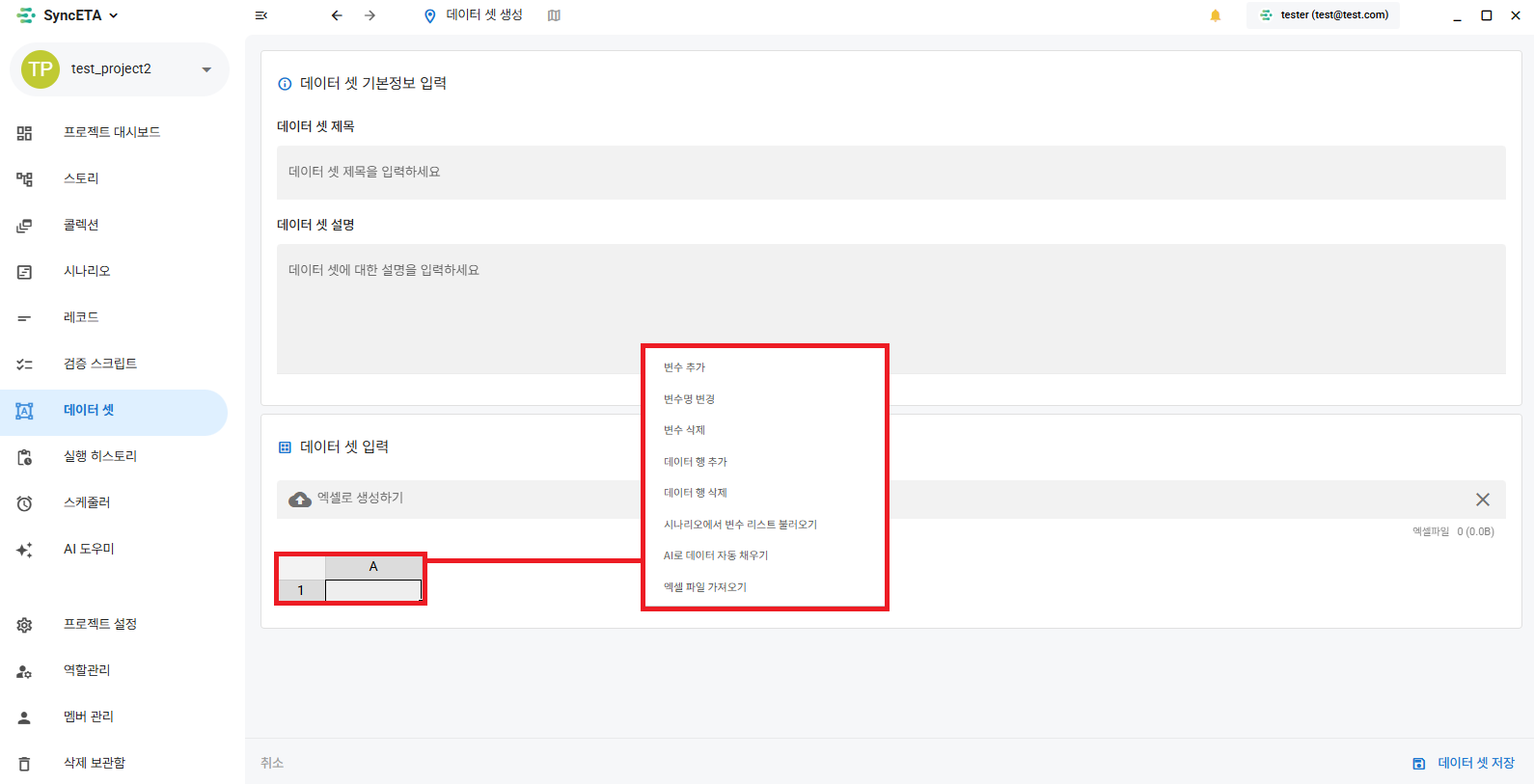
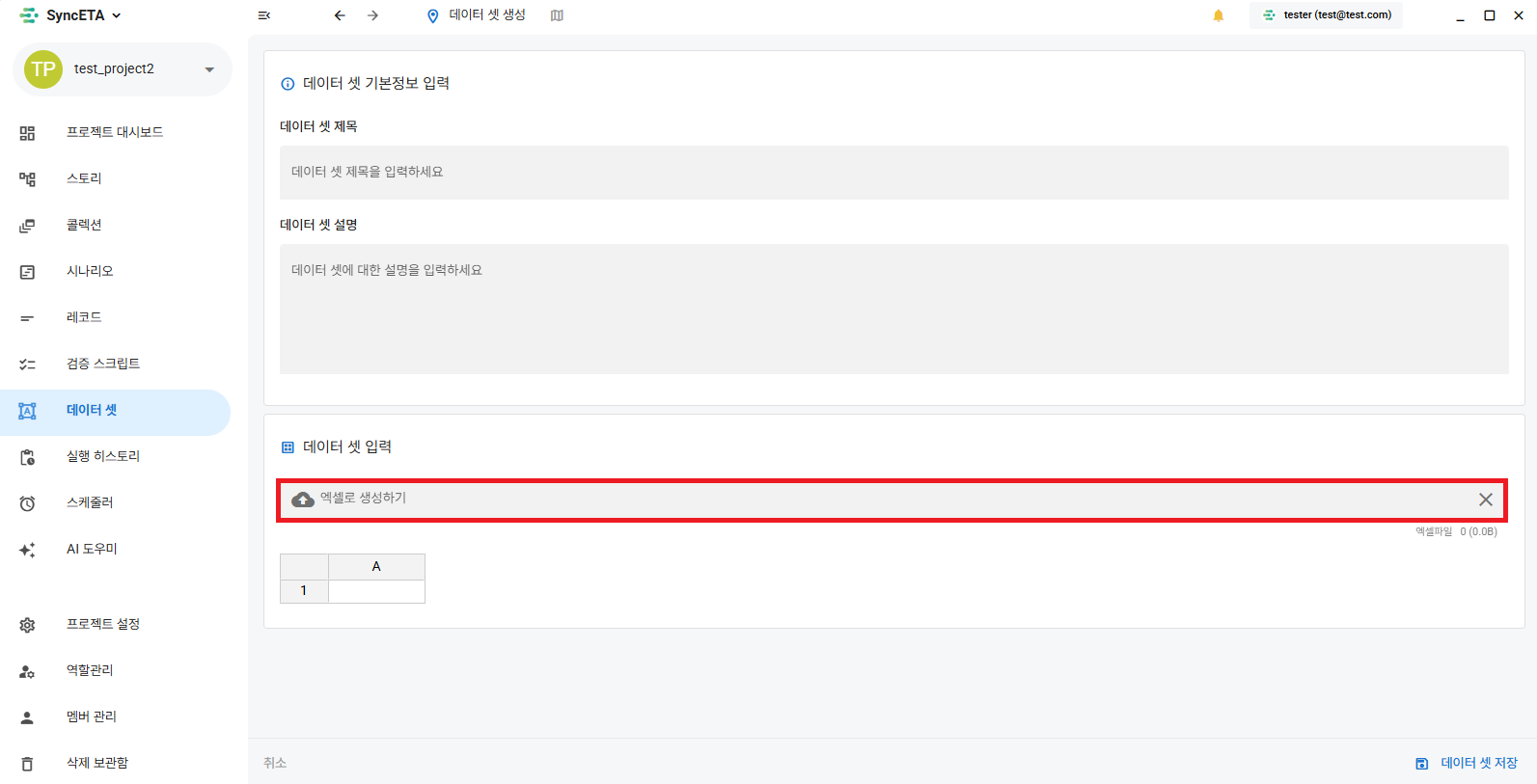
Bulk Upload via Excel File
Download the built-in template file, populate your test data, and upload it in bulk.
- Download Template File: dataset_form.xlsx
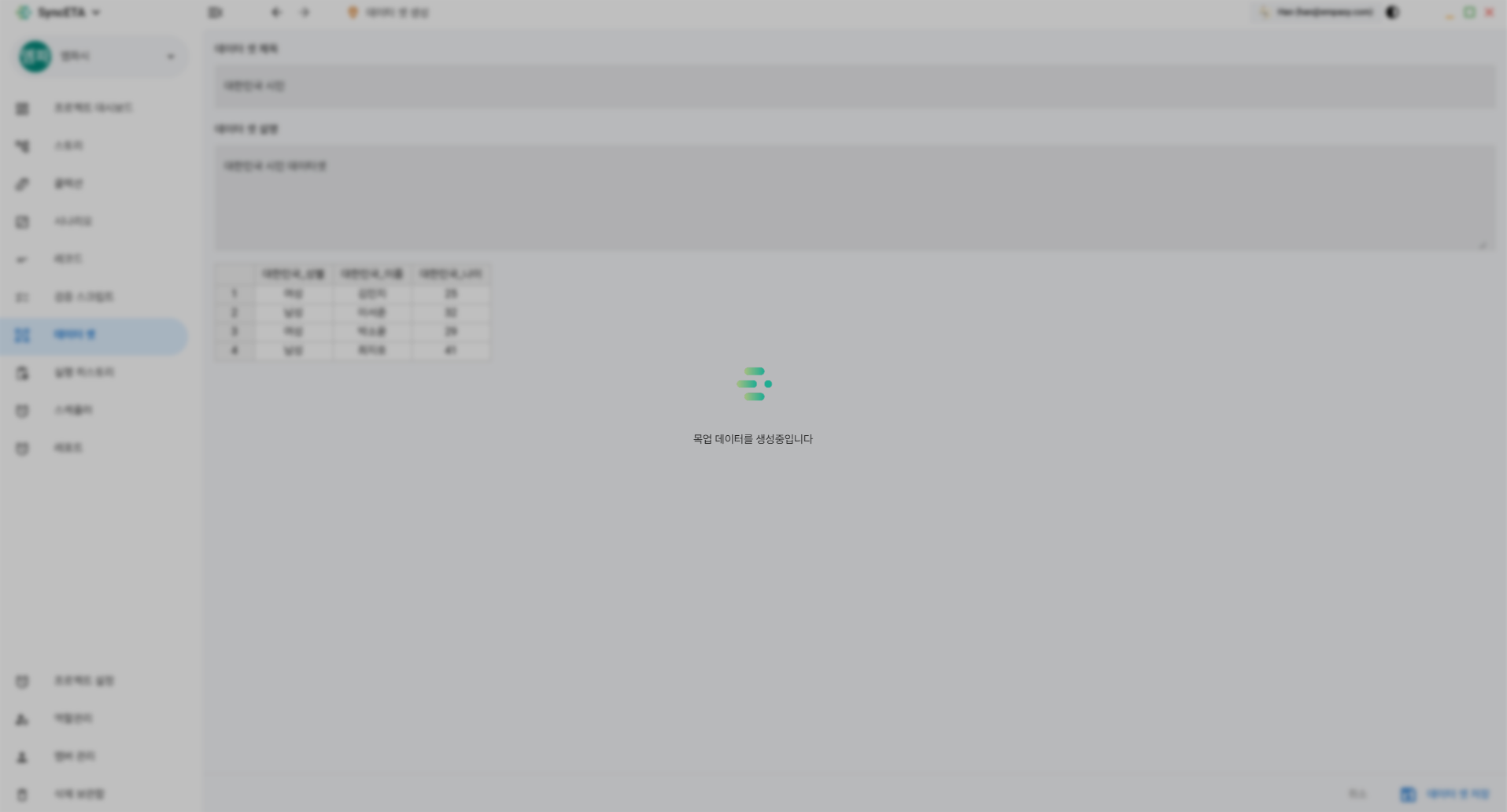
AI-Assisted Data Generation
Right-click a column and select 'Auto-fill Data with AI' from the context menu to automatically generate valid sample test data tailored to the variable type (such as names, email addresses, or phone numbers).

3. Applying Datasets to Scenarios and Running Tests
When you select a created dataset in the scenario execution options, an independent test case is executed sequentially or in parallel for each row in the dataset.